


The Junk Journal Paper Studio
The Junk Journal Paper Studio
Couldn't load pickup availability
Juniper the Junk Journal Paper Studio is a custom ChatGPT built for Etsy sellers who want to create cohesive junk journal paper collections, fast.
A lot of sellers stay stuck in the idea phase, test random prompts, or give up before they ever build a polished set. Meanwhile, the shops putting out cohesive collections keep building their catalogs, growing their listings, and getting ahead.
Juniper gives you a clear system, so you stop wasting time and start creating fully sellable collections with direction.
Instead of random outputs, you generate a complete 50-piece themed collection with prompts built to keep your papers cohesive, polished, and easier to turn into a real product.
• 50 structured, ready-to-paste junk journal paper prompts
• Clear theme direction so the full set feels intentional
• Color guidance for a more cohesive collection
• Style direction so your papers look like they belong together
• An Etsy title formula for faster listing creation
• 13 optimized Etsy tags
• A conversion-focused description template
If you want a repeatable system for creating sell-ready junk journal paper collections without spending hours trying to figure it all out yourself, Juniper gives you the structure to do it.
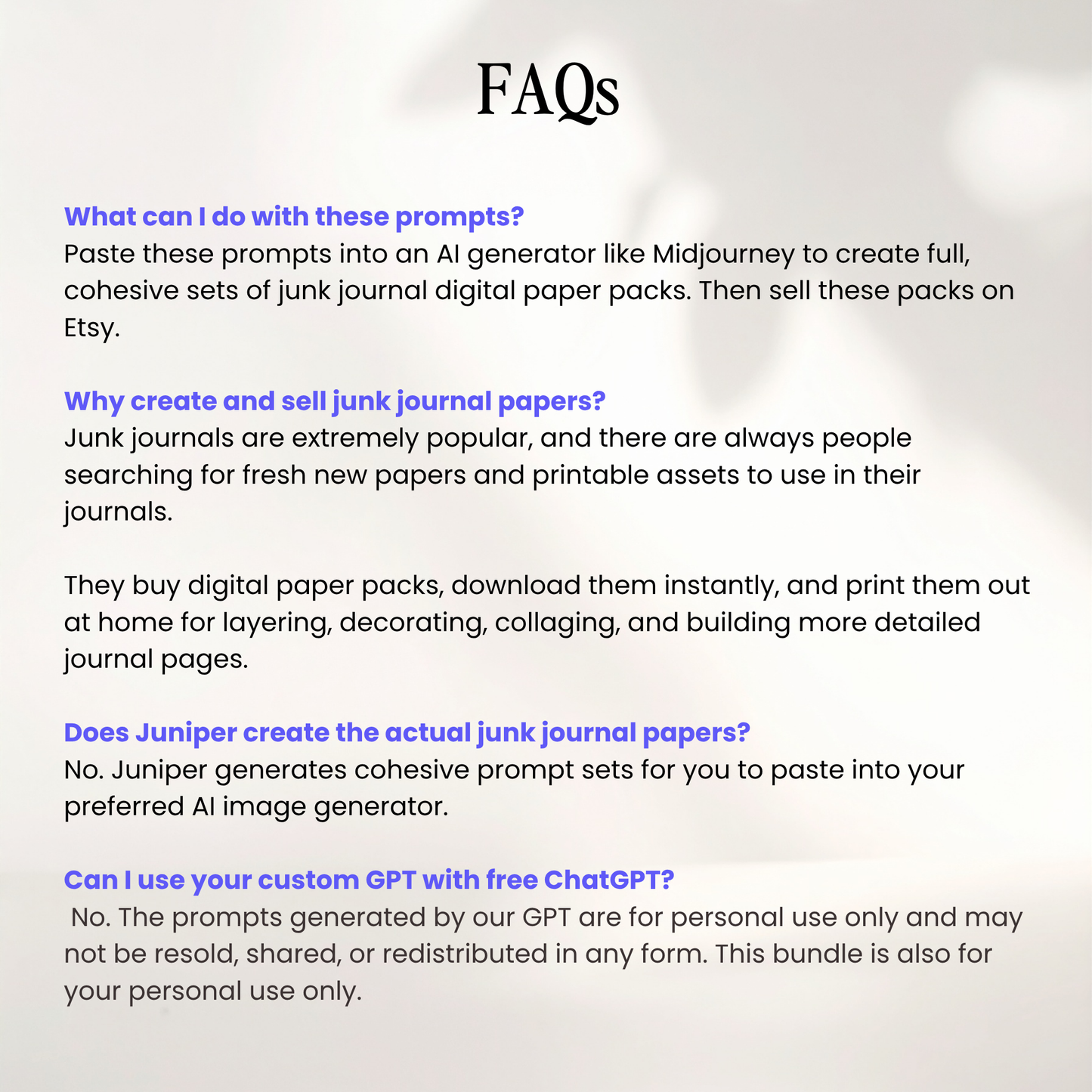
Does Juniper create the actual junk journal papers?
No. Juniper creates cohesive prompt sets for you to paste into your preferred AI image generator.
Why create and sell junk journal papers?
Junk journals are extremely popular, and there are always people searching for fresh new papers and printable assets to use in their journals.
They buy digital paper packs, download them instantly, and print them out at home for layering, decorating, collaging, and building more detailed journal pages.
What can I do with these prompts?
You can create junk journal paper packs, printable background sets, scrapbook-style papers, and themed digital paper collections.
Does Juniper help with my Etsy listing?
Yes. Juniper creates an optimized Etsy title, description, and tags for each set so you can copy and paste directly into your listing.
It clearly lays out the style and highlights of your paper set, what buyers can use the papers for, and what is included, so you do not have to sit there trying to write your listing from scratch.
Do I need ChatGPT Plus?
We highly recommend having ChatGPT Plus ($20/m) to fully experience Juniper. Juniper works with free ChatGPT accounts, but you have limited input due to time constraints.
Does Juniper only create junk journal paper prompts?
Yes. Juniper is focused specifically on junk journal papers and related printable paper styles.
What AI generator should I use?
You can use these prompts with Midjourney, DALL·E, Kittl, Canva, and other AI image generators.
Can I use the artwork commercially?
Yes. You can sell the finished products you create from the artwork generated with these prompts. The prompts themselves are for personal use only and cannot be resold, shared, or redistributed.
Because this is a digital product, all sales are final and no refunds are offered. By purchasing, you confirm that you have read the full product details and understand what is included.
Share


FAQs
Can I edit the planners?
Yes. Every planner is fully editable in Canva. You can change colors, fonts, layouts, and add your own branding before selling or sharing. You can also resell it as-is but we recommend at least updating the cover.
Can these planners be used in GoodNotes or Notability?
Yes. Just save each planner as a Standard PDF in Canva, and open the PDF in GoodNotes, Notability, or other note-taking apps that support hyperlinks.
Why purchase digital products with resell rights?
MRR (Master Resell Rights) products enable you to resell them as your own digital products. You keep 100% of the profit.
You’re also allowed to sell them with the same MRR license, so your customers can do the same.
You can also resell them as PLR or for personal use. It's really up to you!
What's the difference between PLR and MRR digital products?
PLR (Private Label Rights):
With PLR, you may edit and customize these Canva templates, and resell them as a flattened, non-editable PDFs for your customers’ personal use. You cannot share or resell the original Canva files.
MRR (Master Resell Rights):
With MRR, you can resell the Canva files as-is, and you may also pass on the resell rights to your buyers so they can also resell as MRR.
Do I need to change the product before selling?
PLR products require customization before resale. You update the design, content, or branding to reflect your business. MRR products do not require changes and are sold as provided.
How do I start a shop?
I recommend starting on Etsy or Stan Store. They’re the easiest platforms for beginners.
You’ll only need:
• A product to sell (like this planner)
• A few mockup images
• A product description
Once your listing is live, share it on social media or Pinterest to drive traffic. You can also create a simple link-in-bio page so people can find all your products in one place.
Do you offer refunds?
All products are digital downloads. Refunds are not offered once files are delivered.
For questions, support, or help with your purchase, email info@designmadeclear.com. Messages receive a response within 24 hours.